
Dinsun Review
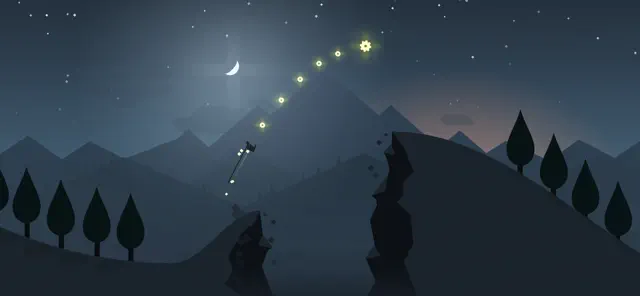
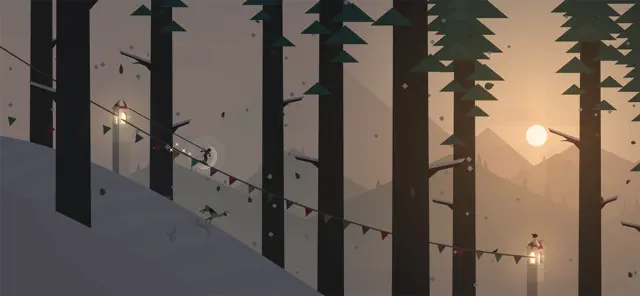
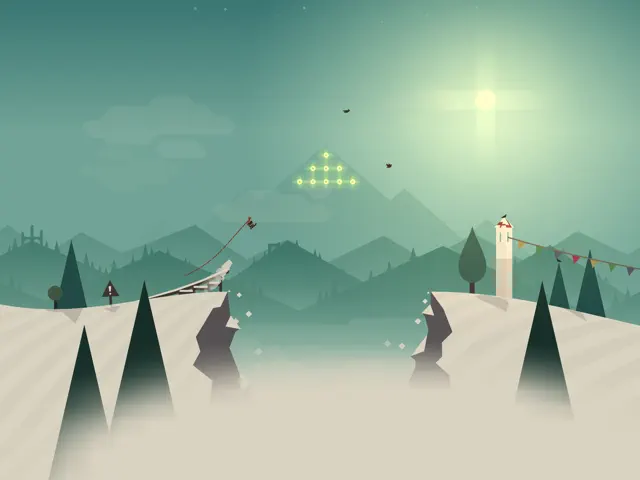
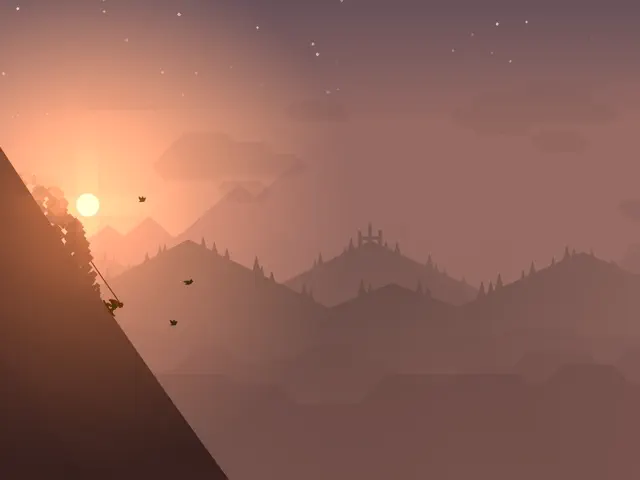
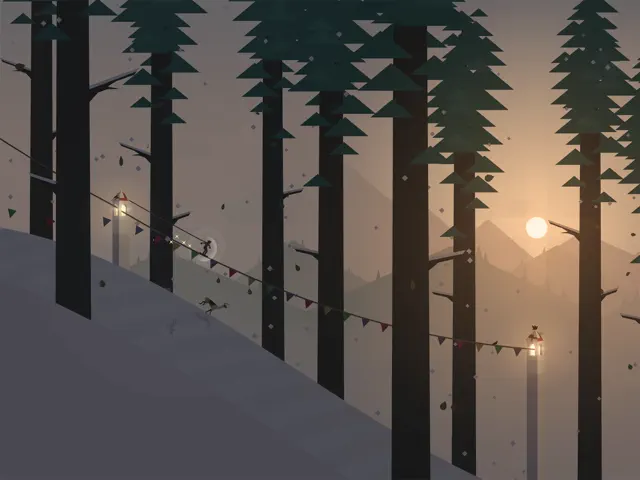
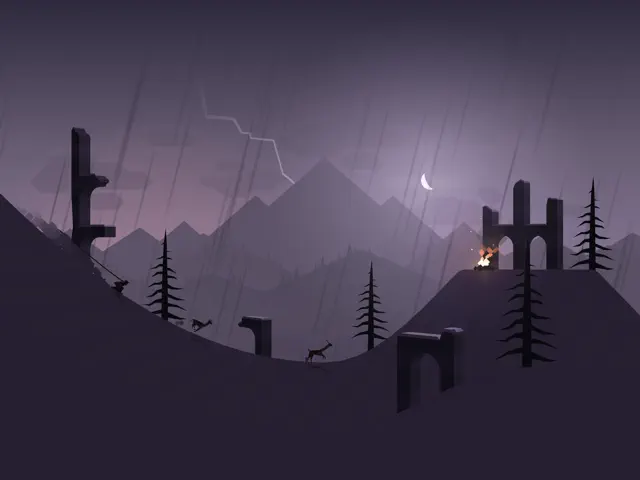
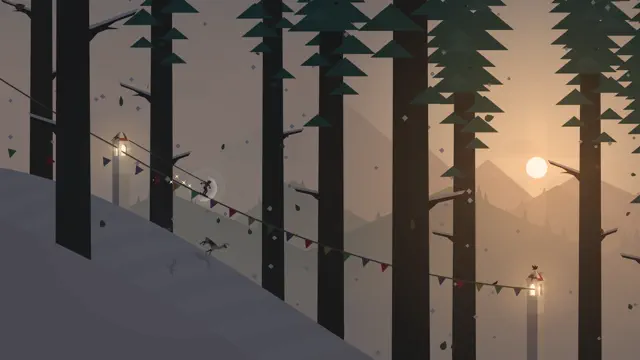
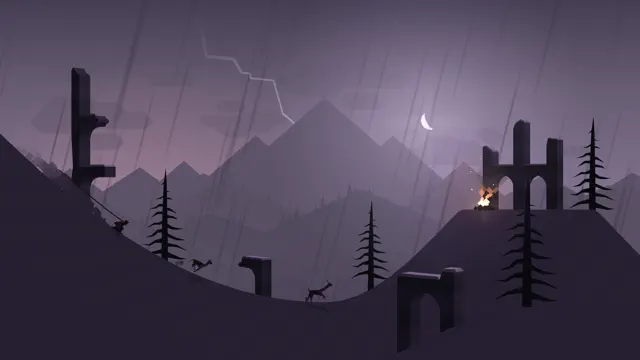
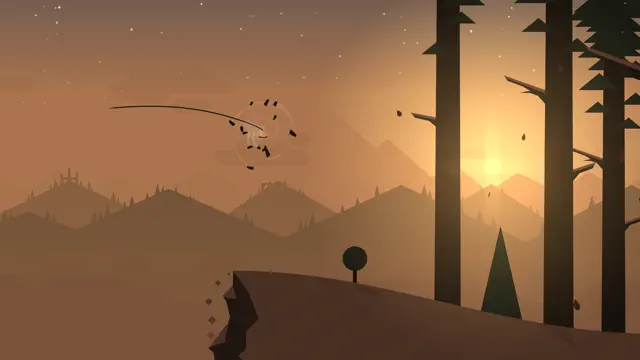
I’ve played many endless runners in my time, and most of them are garbage—just flashy distractions designed to make you click ads. Alto’s Adventure: Remastered is different. It’s tasteful. The visual style is minimalist and elegant, and the way the time of day shifts as you ski down the mountain is genuinely impressive. It’s one of the few games I’ve played where I didn't mind losing because the 'zen mode' is just as enjoyable as the main game.
However, it’s still an endless runner. You’re doing the same jumps and backflips over and over. The progression can feel like a grind, and some of the goals are more about luck than skill. It’s a great 'coffee break' game, but it doesn't have the depth for a long session. It’s a refined, conservative 79—excellent for what it is, but limited by its genre.
Overall Stats
Pros & Cons
- Absolutely gorgeous art and lighting
- Relaxing, meditative atmosphere
- Perfectly balanced difficulty curve
- Can feel very repetitive after an hour
- Progression feels a bit slow
- Some goals are overly dependent on RNG
Technical Report
Performance: Flawless performance; HDR support is excellent.
- Zen Mode (no failure)
- One-tap control scheme
- Haptic feedback
Audience Fit
Buy if: You want a beautiful, low-stress game to unwind with.
Skip if: You need complex mechanics or a heavy narrative to stay engaged.
- Alto's Odyssey
- Ski Safari
Reviewer Context
- Reviewer: Dinsun, 40, Hardcore Conservative Gamer
- Hardware: iPhone 15 Pro
- Playtime: 20 hours
- Status: Level 45 reached


















![Alto's Adventure — Remastered [4K60, Apple TV 4K (2nd generation) Gameplay] - YouTube](https://i.ytimg.com/vi/HR8w5yuEfB8/hqdefault.jpg)